
- Created high-quality particle effects with excellent performance.
- Delivered satisfying interactions with the environment.
- Implemented a custom collision solution for sand grain particles.
- Leveraged the GPU to simulate thousands of particles.
- Built a system to customize the appearance and behavior of each VFX.
Particle Effects
Our team crafted Niagara particle effects for Reshine that bridged player action with the game world. The goal was to reinforce the cozy, playful tone of renovation through clear visual feedback.
We implemented effects for five tools:
- Sandblaster
- Polishgun
- Laser
- Paint Spray
- Blowgun
Collisions with the world
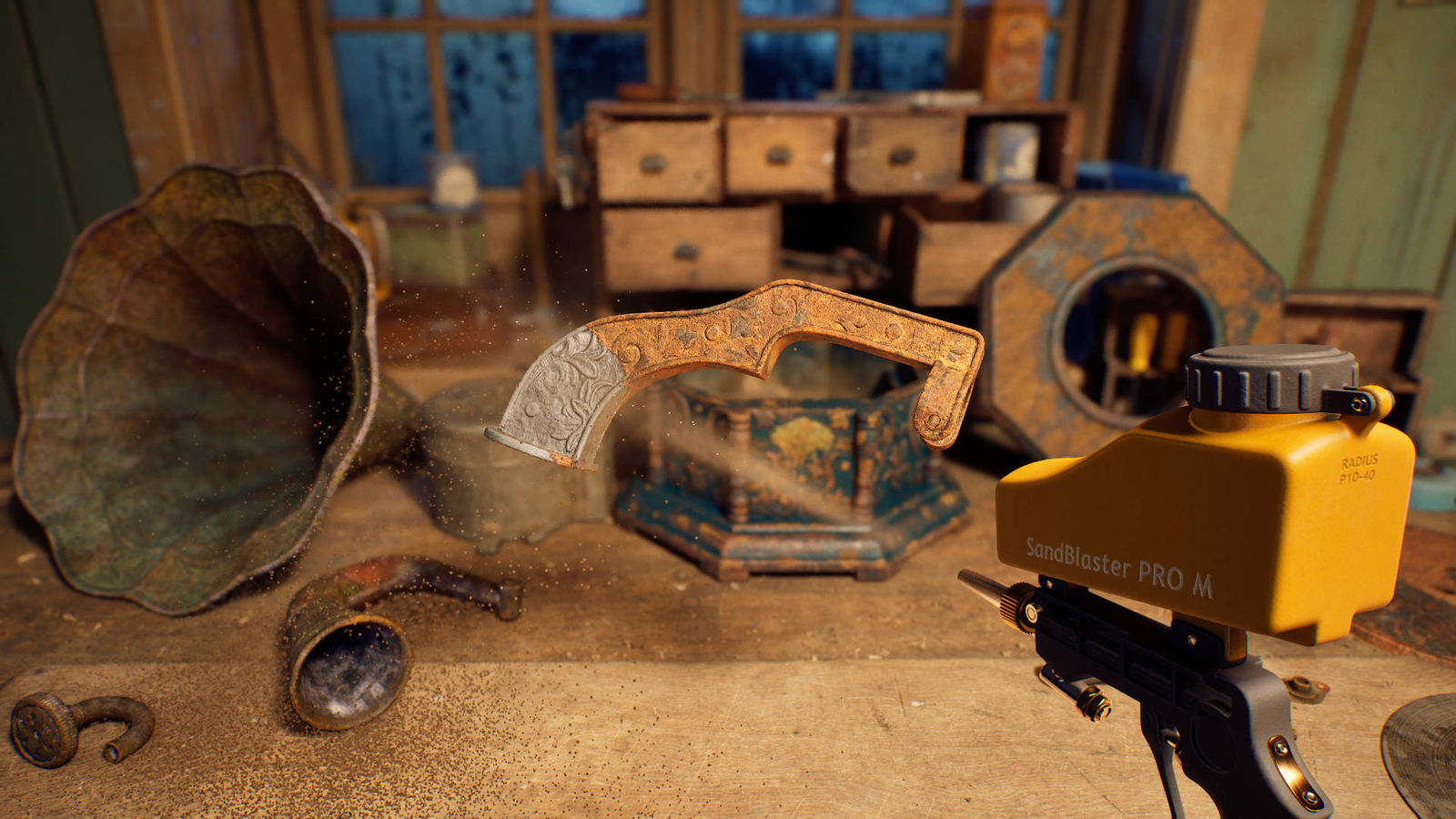
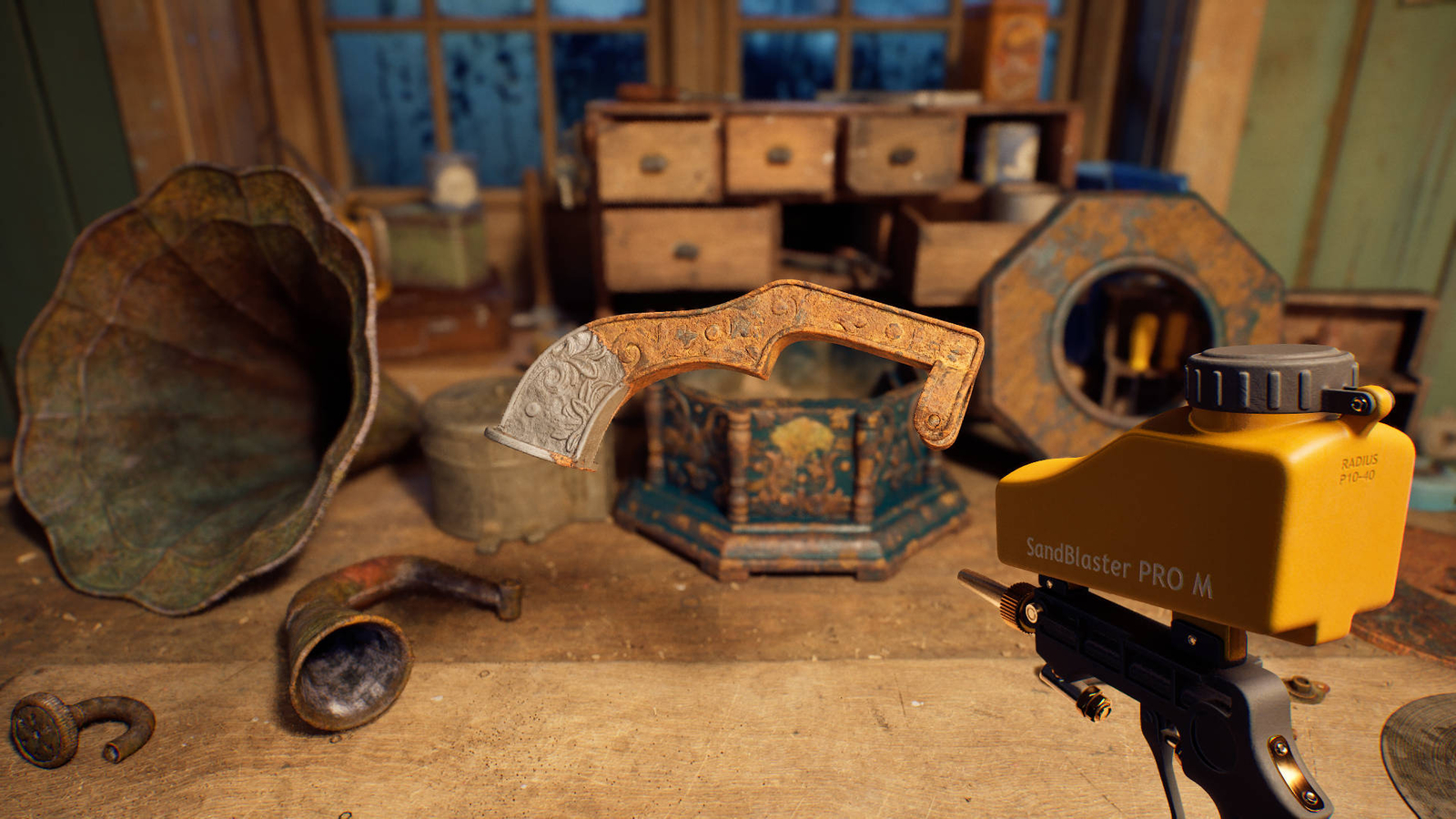
The biggest challenge was creating satisfying collisions between sand grains and the game world. We developed several prototypes to explore possibilities and select the best solution.
- CPU collisions: Produced accurate results, but performance degraded when simulating very large numbers of particles.
- Distance Fields collisions: Allowed GPU simulation of thousands of particles without performance issues, but collision accuracy suffered due to Global Distance Fields’ approximation.
- Depth buffer collisions: Achieved high accuracy. Drawbacks included no collisions for geometry outside the camera view and occasional particles passing through geometry. Finally, we decided to go with depth buffer collisions and developed a setup to address its drawbacks, delivering a visually appealing and efficient solution.
Additional interactions
Collisions alone weren’t enough for the desired feel, so we added more interactions:
- Residual sand on surfaces: We used existing information about the cleaning point and passed it to the Niagara system to apply additional forces that move sand grains away from the restoration area.
- Object rotation influence: By default, rotating an object left particles static, which looked wrong. We passed object rotation data to the Niagara system and used it to add velocity to sand grains, so they moved appropriately with rotating objects.
Laser Beam
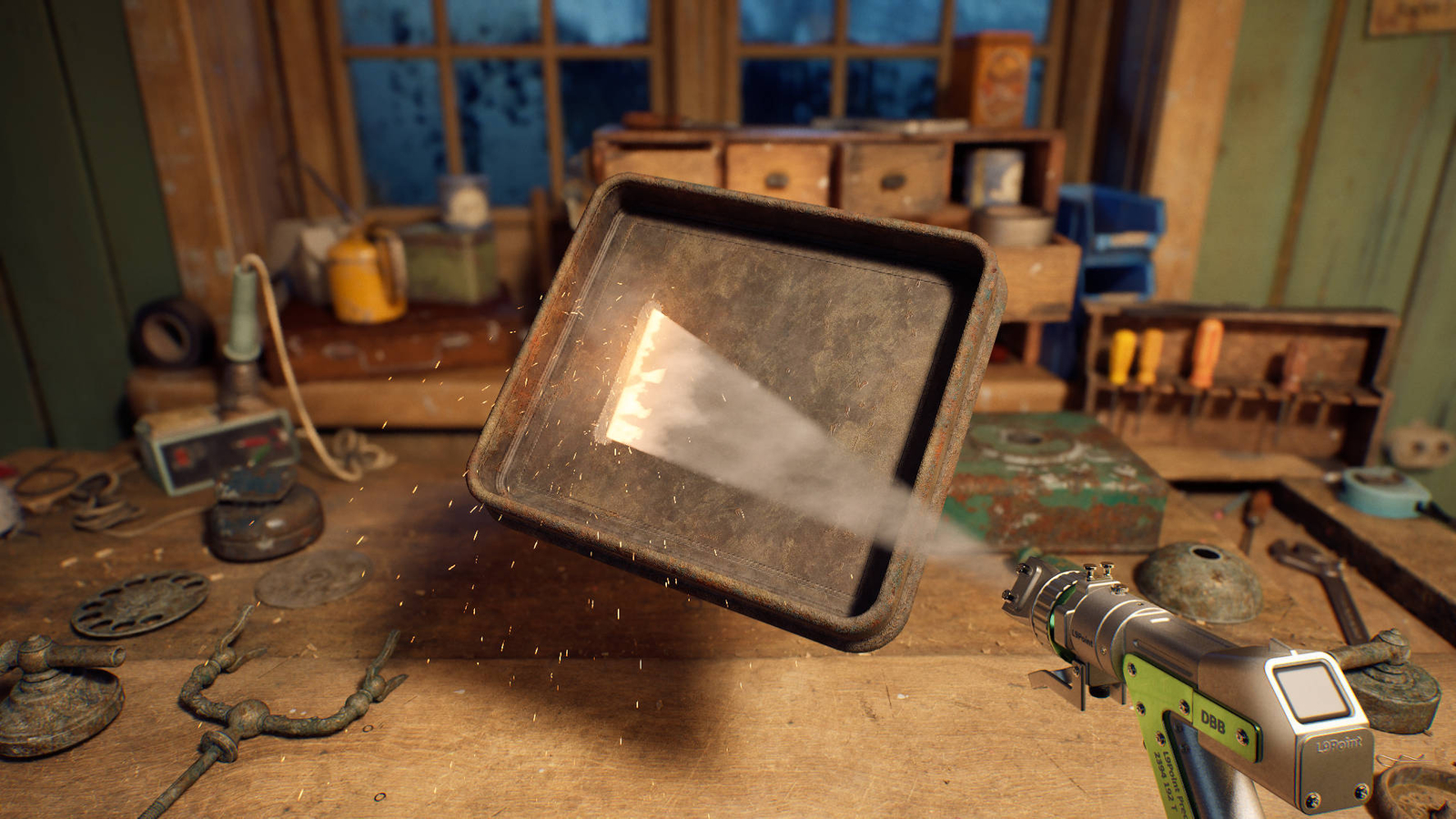
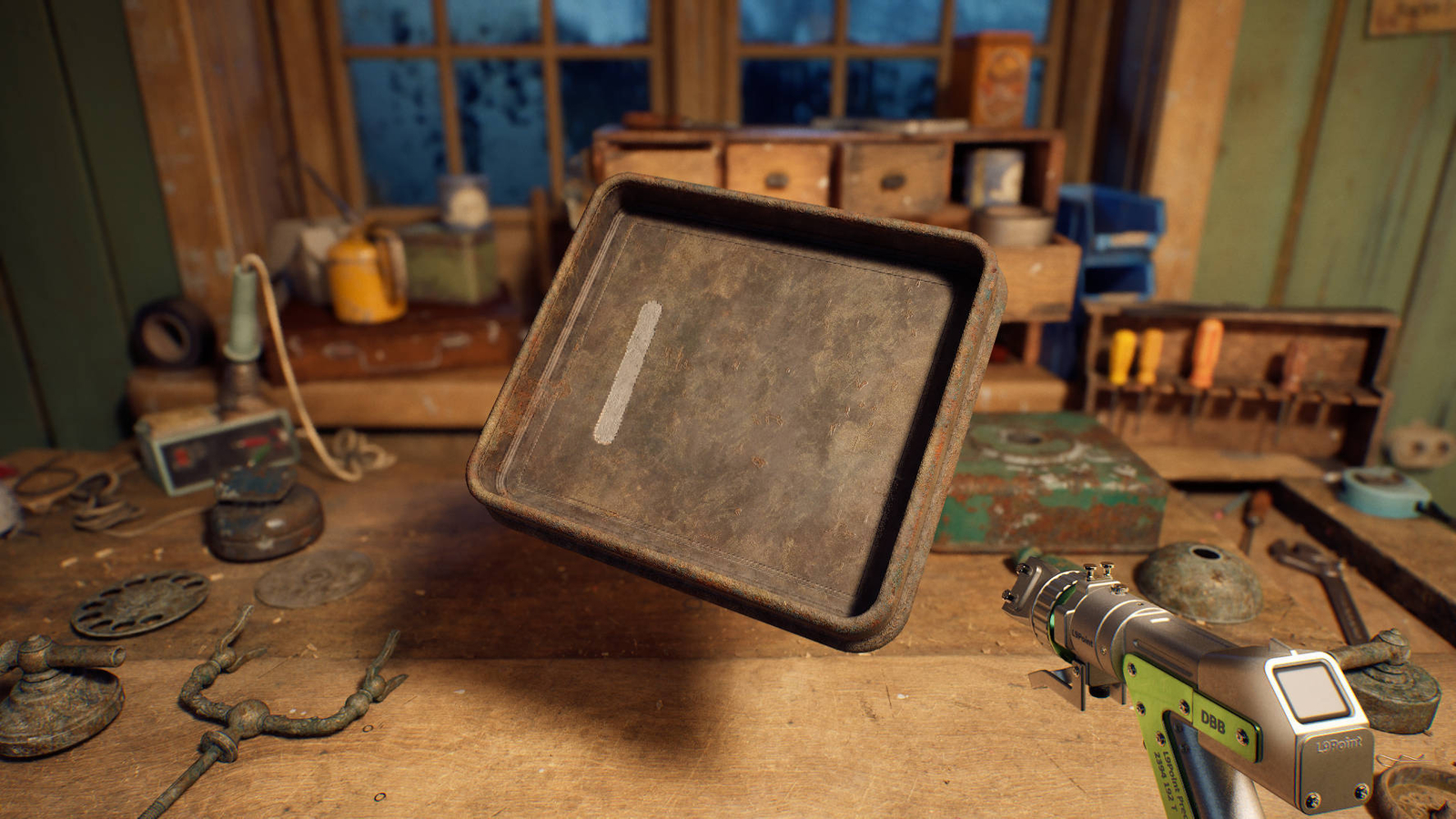
The laser tool required a different approach. We received an array of hit locations representing the laser beam. While ribbons were considered, our experience showed they can cause many issues. Instead, we used the Sprite Based Line module to stretch a sprite between two points (the tool and each hit location on the object). We also added smoke, sparks with collisions, and a flashing light. This combination produced a dynamic effect that enhances object renovation.

Since this is our second project together, I had high expectations from the start, but the final results are even better than I expected. The level of particle interactivity is beyond the scope I thought was possible with current technology.