
- Prepared the quality settings that meet the project requirements.
- Implemented high-quality, high-performance hardware ray tracing.
- Delivered unified settings that improve material and lighting behavior.
- Updated the UI and the settings save system to support the new quality presets.
- Improved performance and reduced VRAM usage.
Brief
When we started working on this undisclosed project, one of the first things we did was overriding the default base quality settings in Unreal Engine.
The why
This was particularly important because, at that time, the project was still in the early stages of development. In such cases, establishing quality standards is crucial for the work ahead, as it provides an easy and reliable way to verify how the game will look and perform in various configurations.
Issue
The project utilizes all the latest features of the Unreal Engine 5, including Lumen GI, Reflections, and Volumetric Fog. The engine’s default quality settings have these features disabled on Low and Medium, causing the game to look quite different and significantly below the expected quality available on High and Epic.
Solution
Our changes give the unlit flat level a sense of depth and allow it to perform to its full potential. These changes apply to all four available presets: Epic, High, Medium, and Low. Each preset features perfectly balanced settings that ensure high quality and performance.
The Epic and High presets had issues with dark and indistinct reflections on shiny surfaces. Following our changes, shiny surfaces now feature more detail and more realistic lighting.
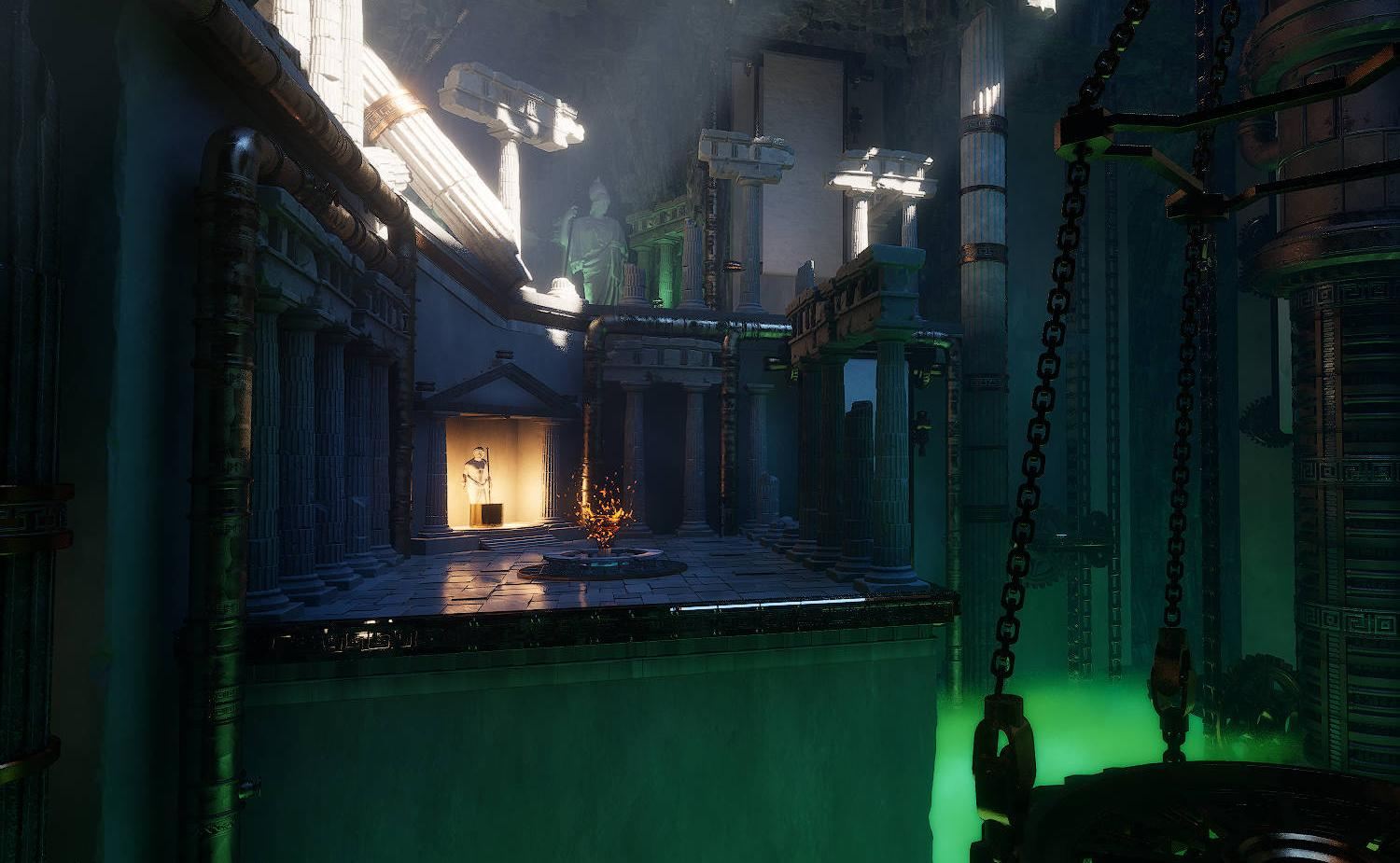
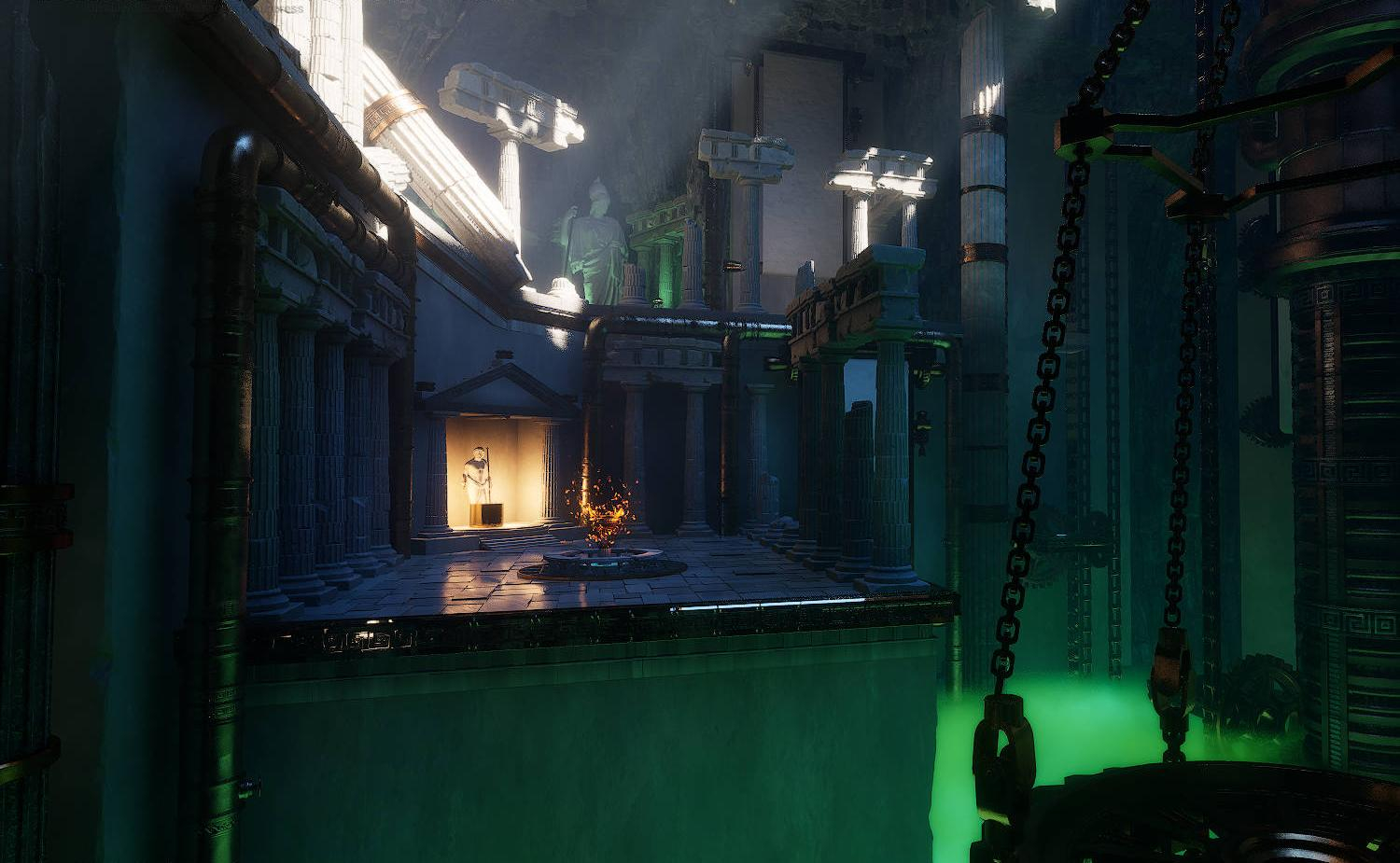
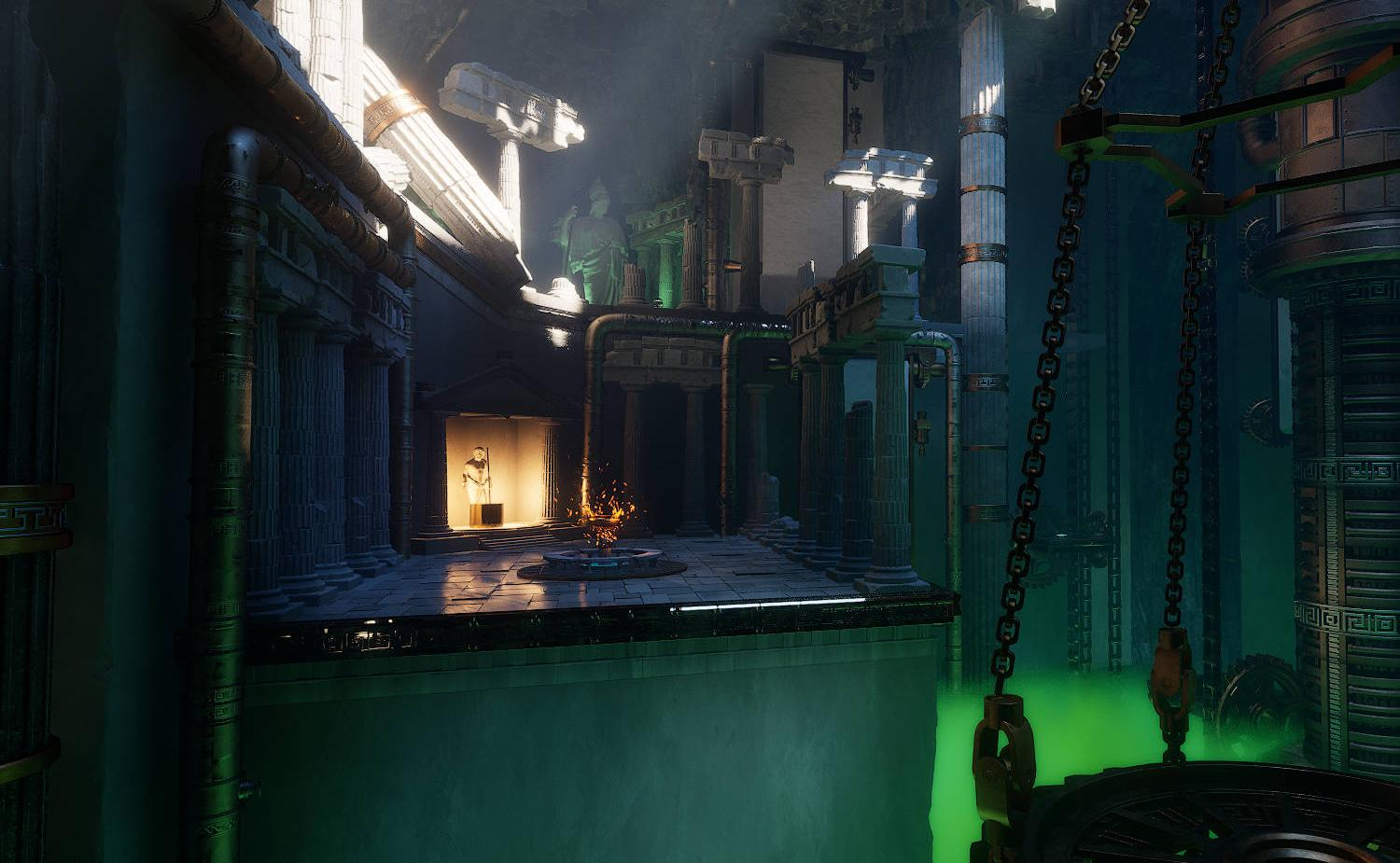
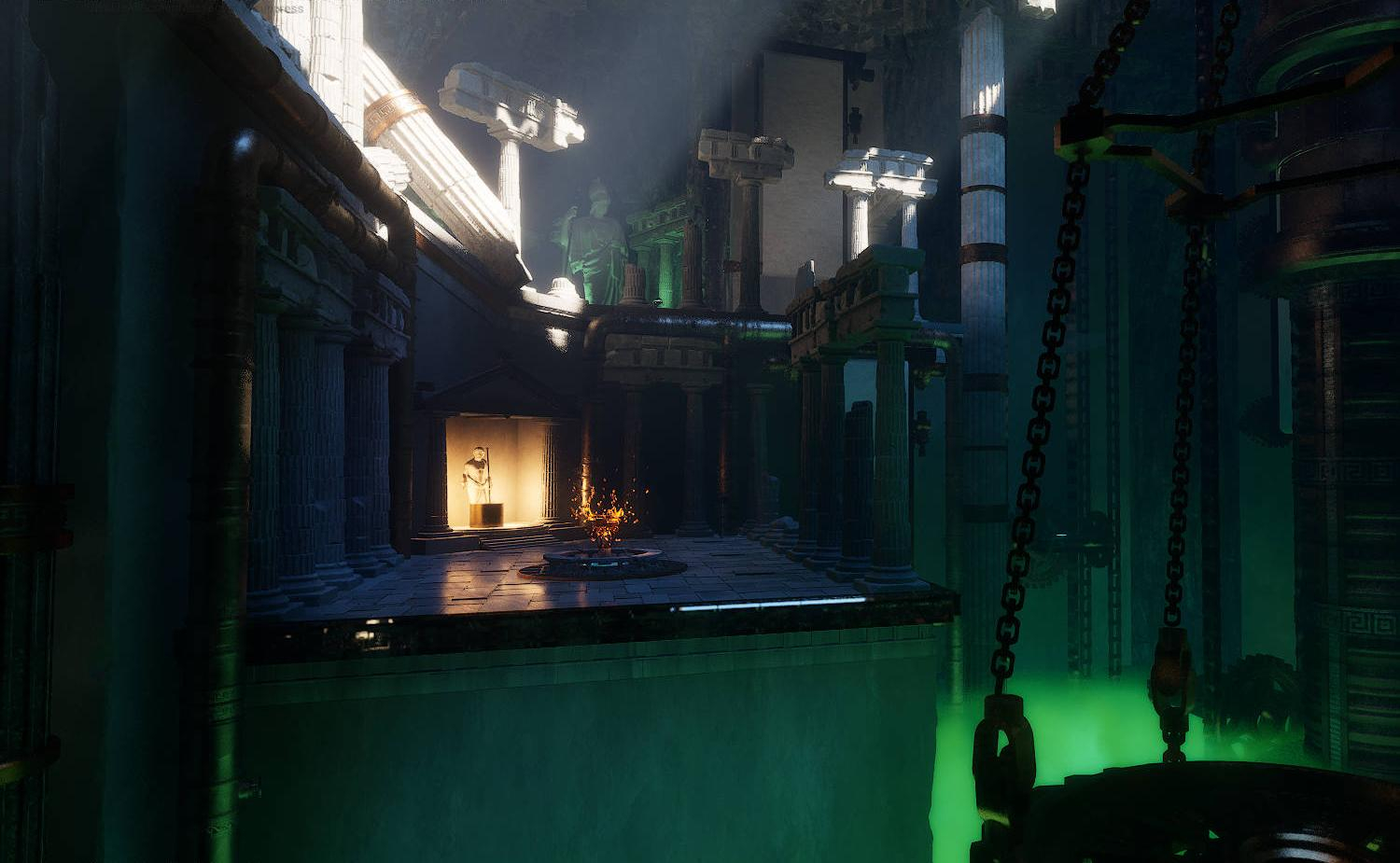
The Medium and Low presets were characterized by a complete lack of Global Illumination, Volumetric Lighting, or shadows. Our changes ensure that these presets strike a perfect balance between quality and performance.
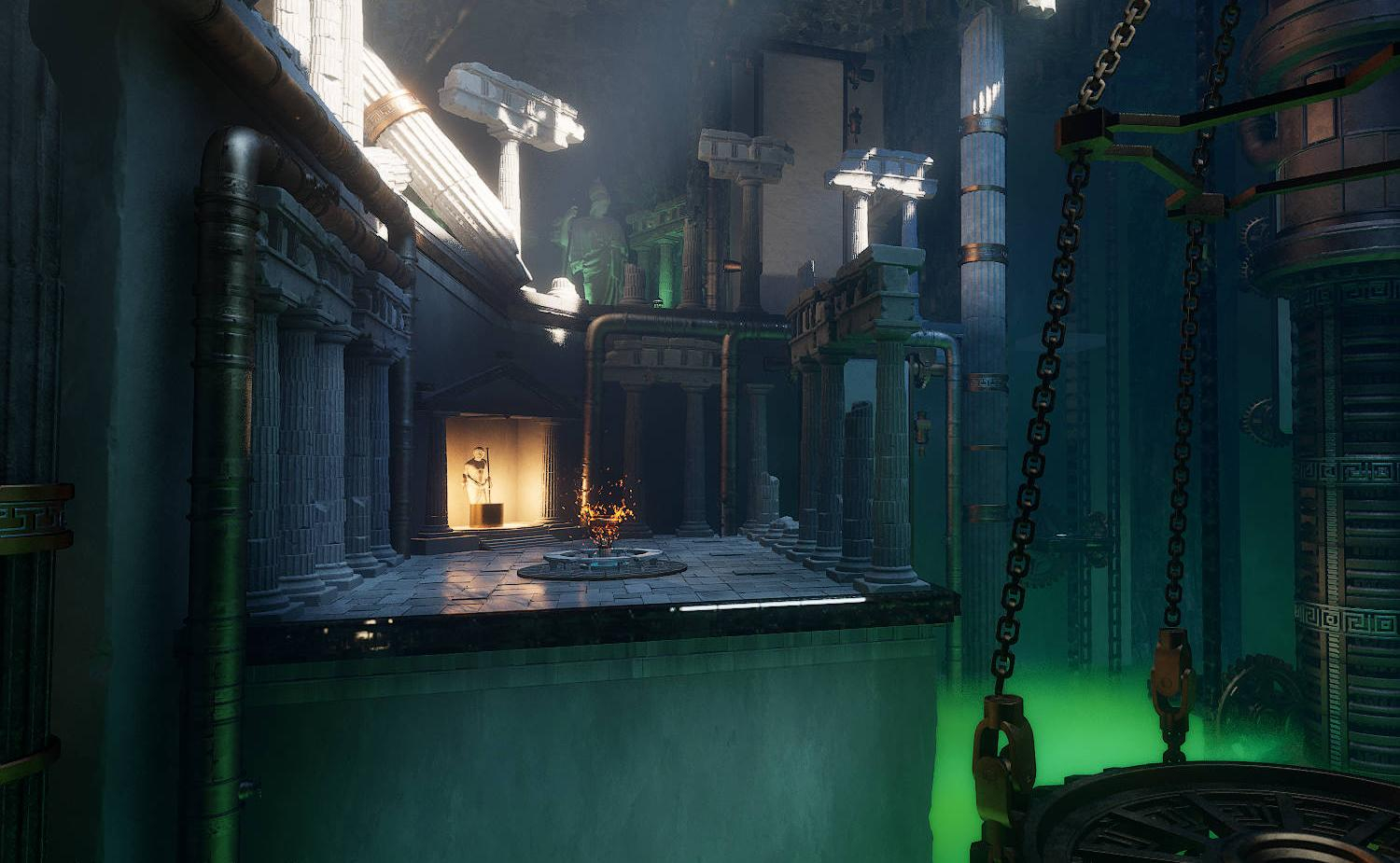
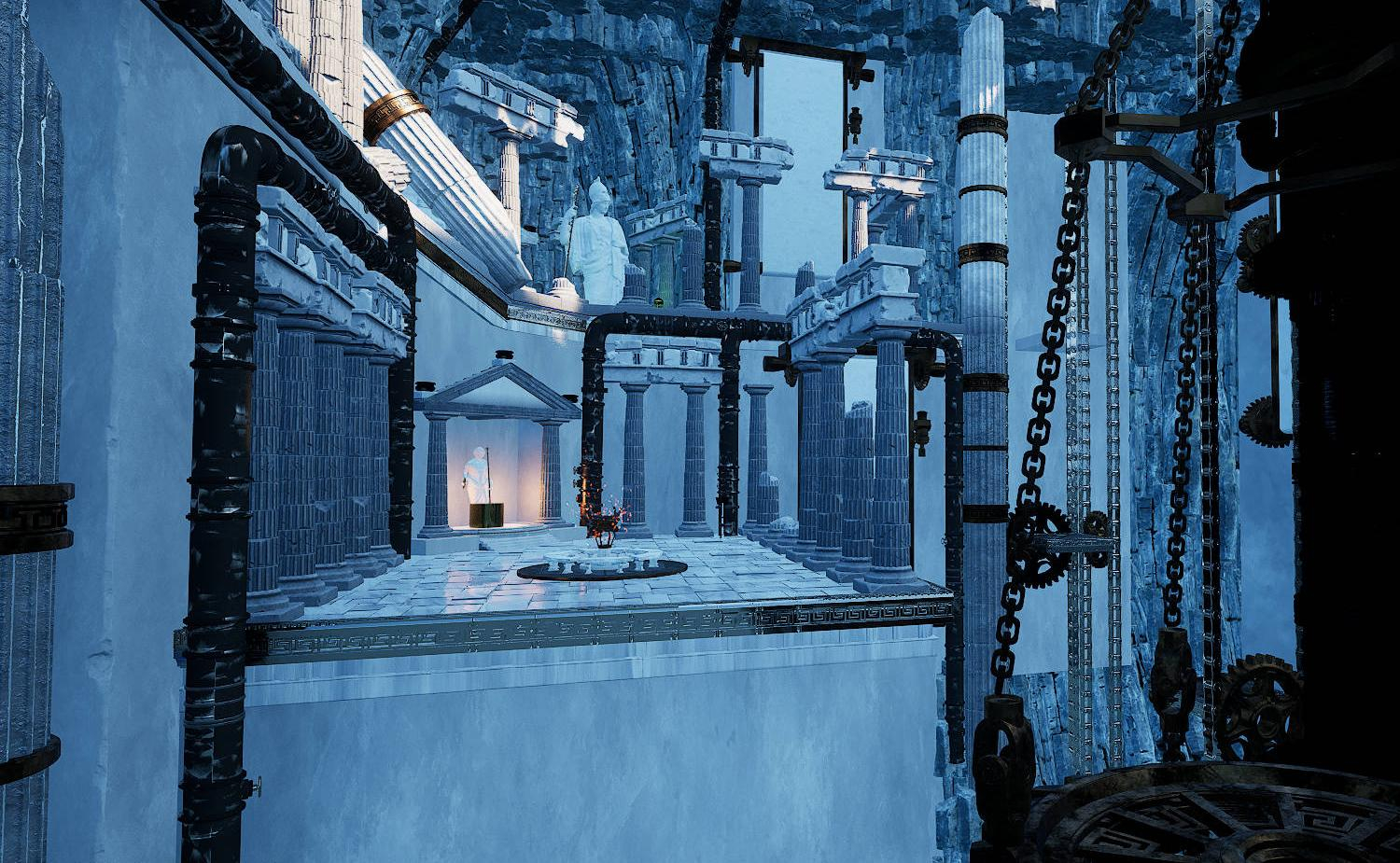
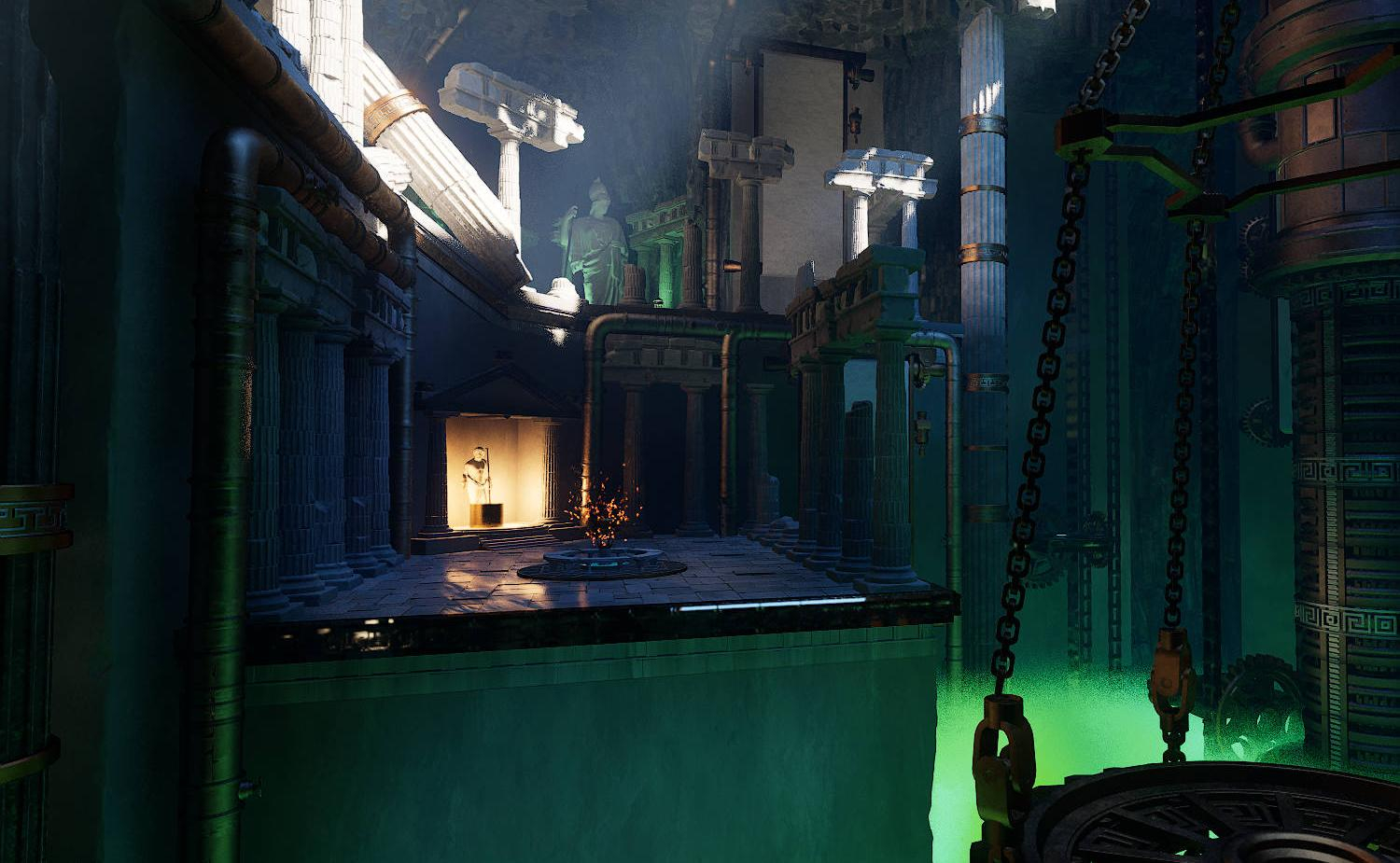

We updated the settings UI and integrated all new options into the save/load system. This allows players to easily and clearly select the settings that best suit their needs – from changing resolution and screen brightness to enabling Hardware Ray Tracing or adjusting the settings for specific quality options. Custom configurations persist between sessions, reducing confusion and support requests.
Summary
Ultimately, our changes not only significantly improved the video quality, but also boosted performance and reduced VRAM requirements. As a result, the gamers can expect better performance on a wider range of hardware all while experiencing visual quality intended by the dev team.

Our biggest surprise was not the fact that the Tessera team optimized our VS demo to 60fps on an average gaming machine. The magic happened when they improved how the demo looked on low and medium quality settings, which is crucial as in our game anything below 60fps kills the gameplay fun.